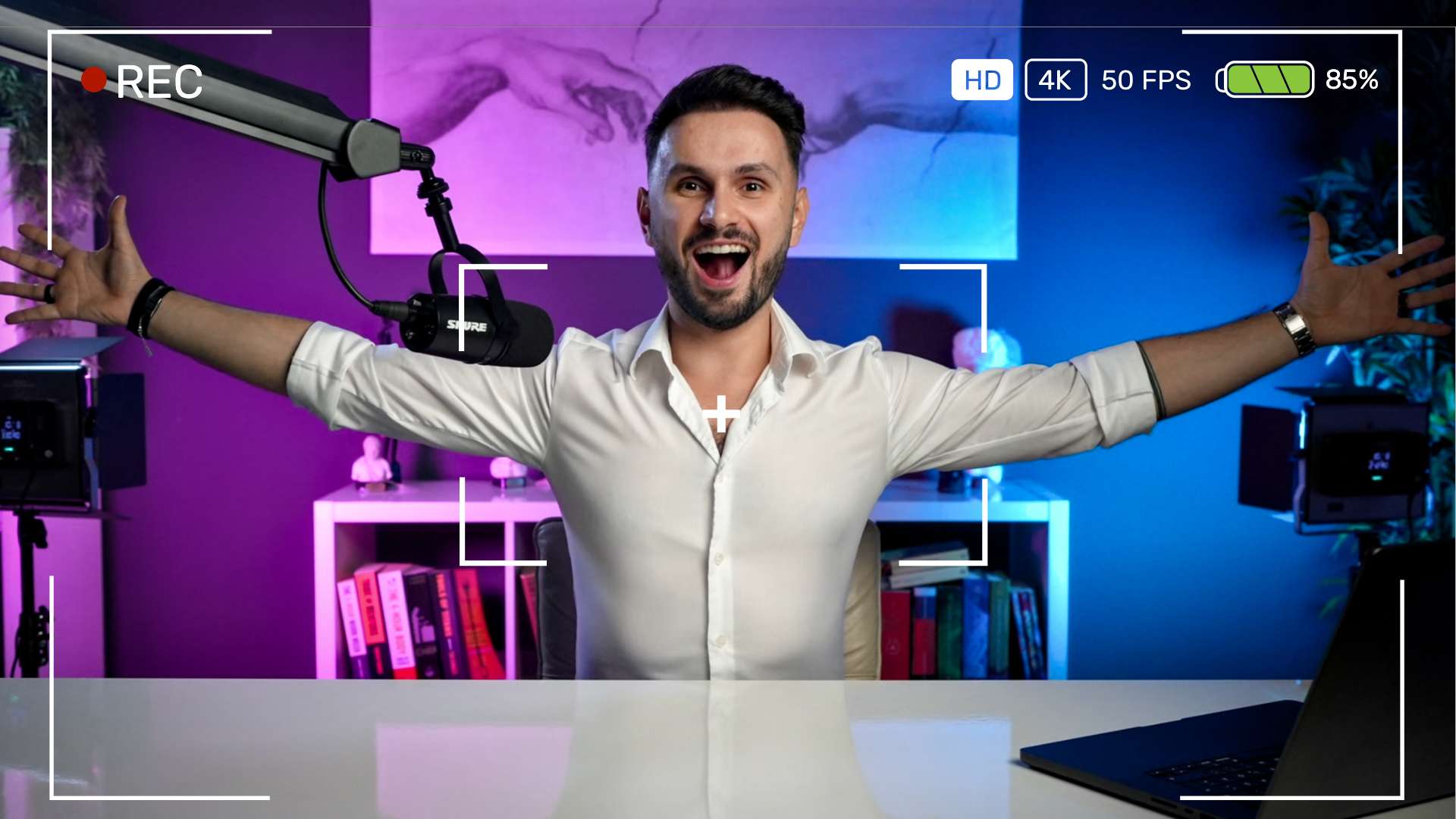
Transform Any Space Into Your Own Pro-Level Home Studio
Without Expensive Gear, A Big Space, Or Filmmaking Skills
The Home Studio Masterclass is the ultimate guide for content creators who want a simple and straightforward approach to creating a professional studio setup that makes you look like an expert.
Right now, get lifetime access for just $99 .Enroll Now!
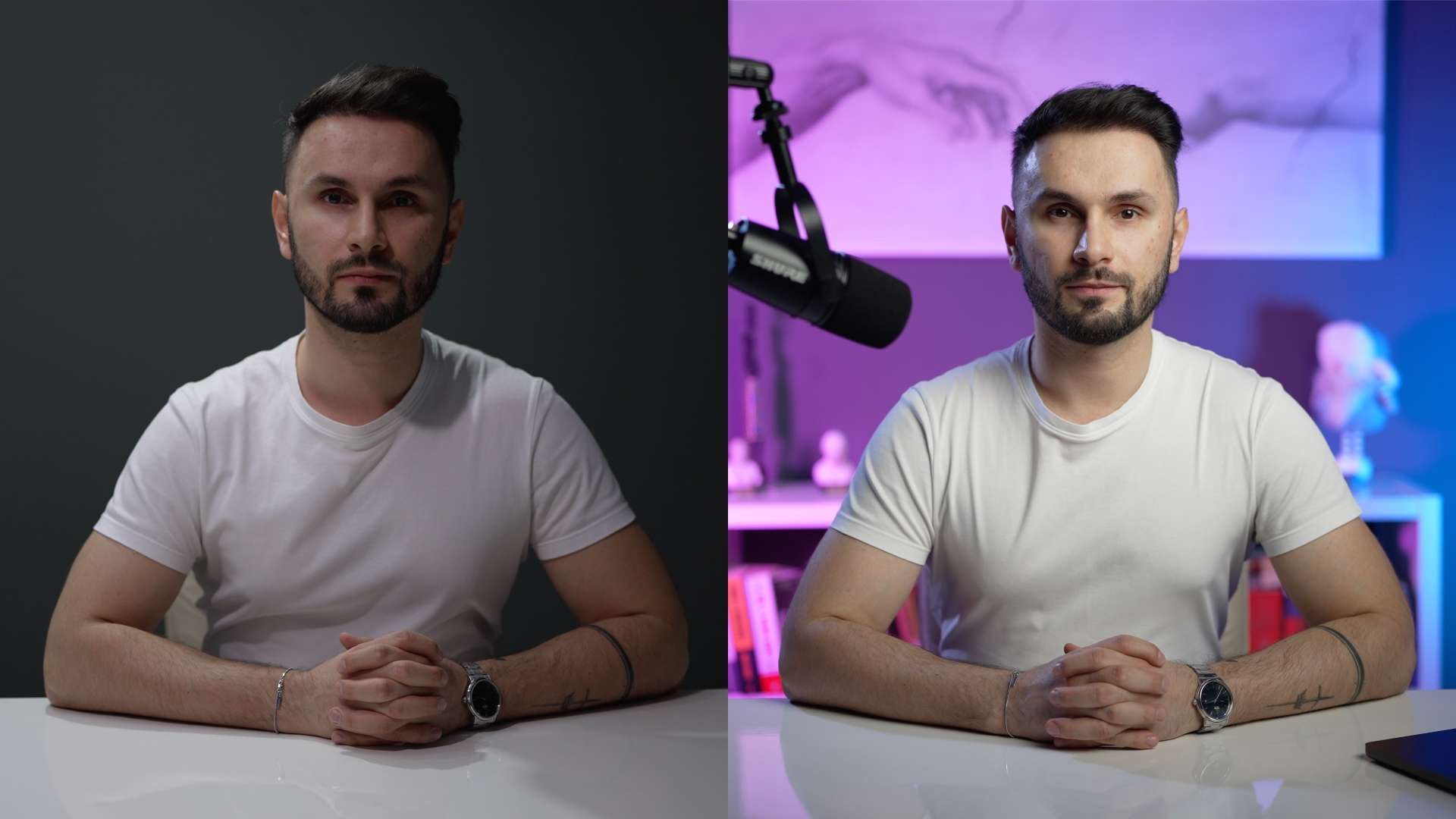
Before & After Transformation
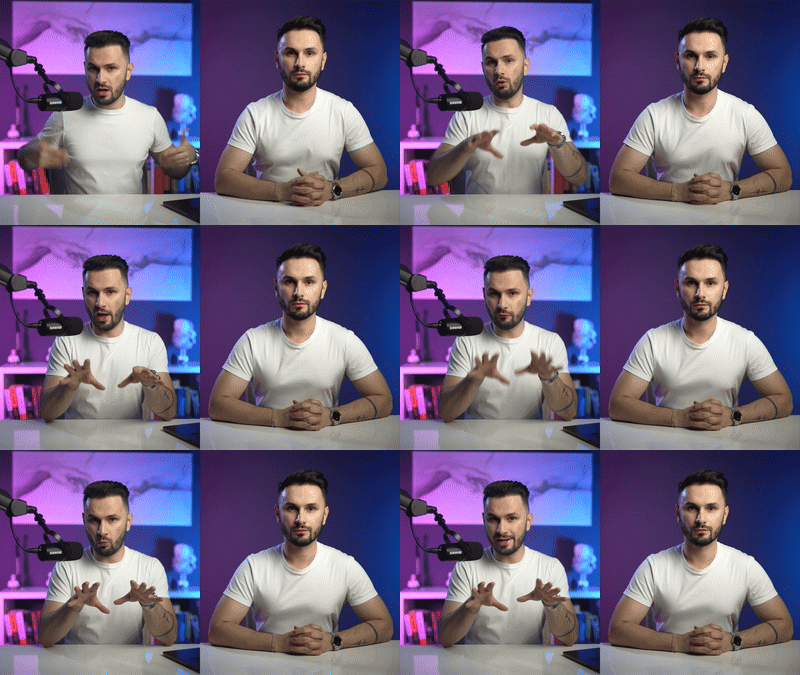
Let’s be honest. You’d most likely scroll right past my videos on the left.
But you’re here on this page right now because you clicked on a video ad filmed with the setup on the right. That’s proof that a pro-looking studio made you stop, watch, and take me seriously.
Now, let me show you exactly how to create the same transformation for yourself.
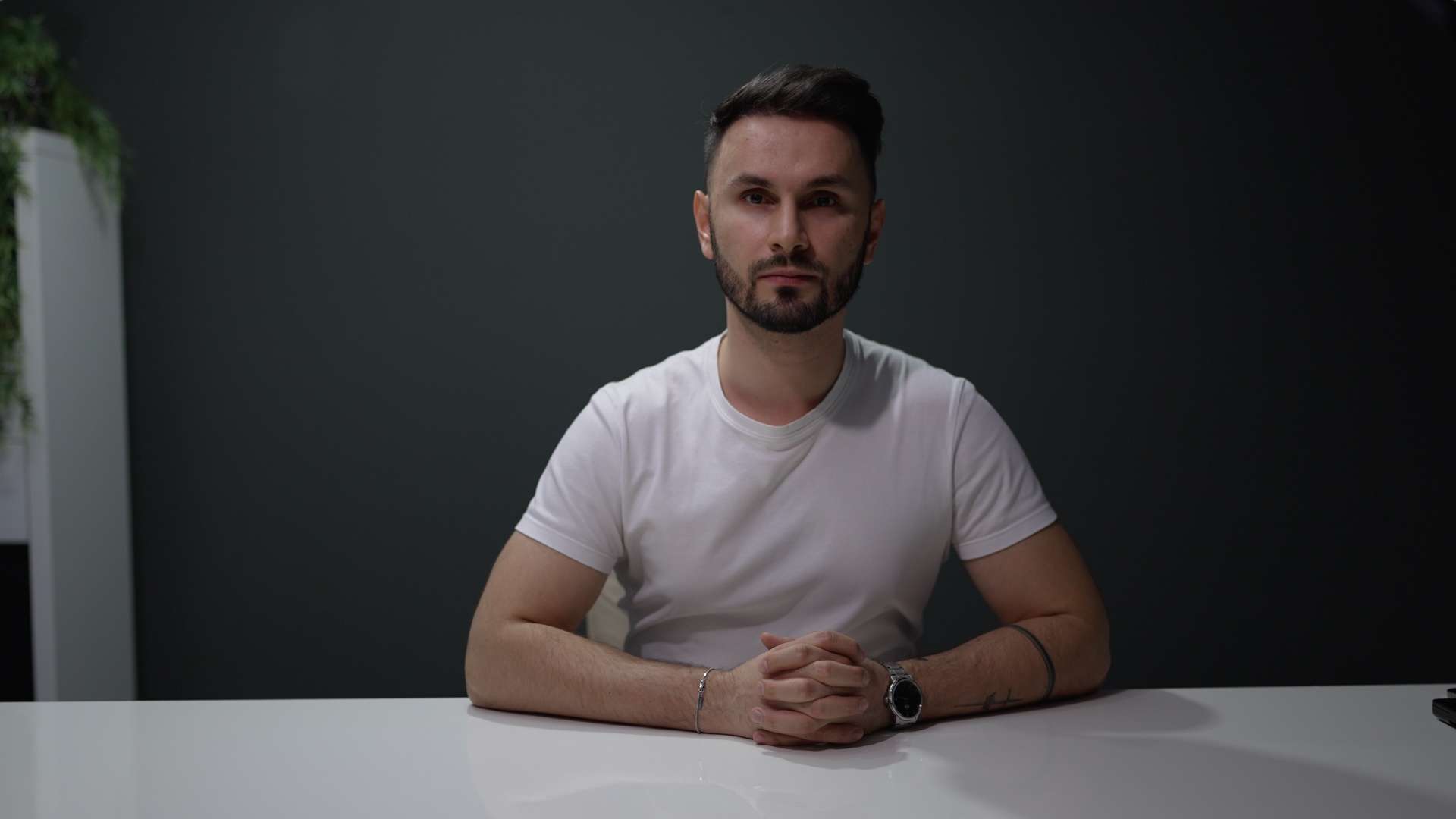
Before
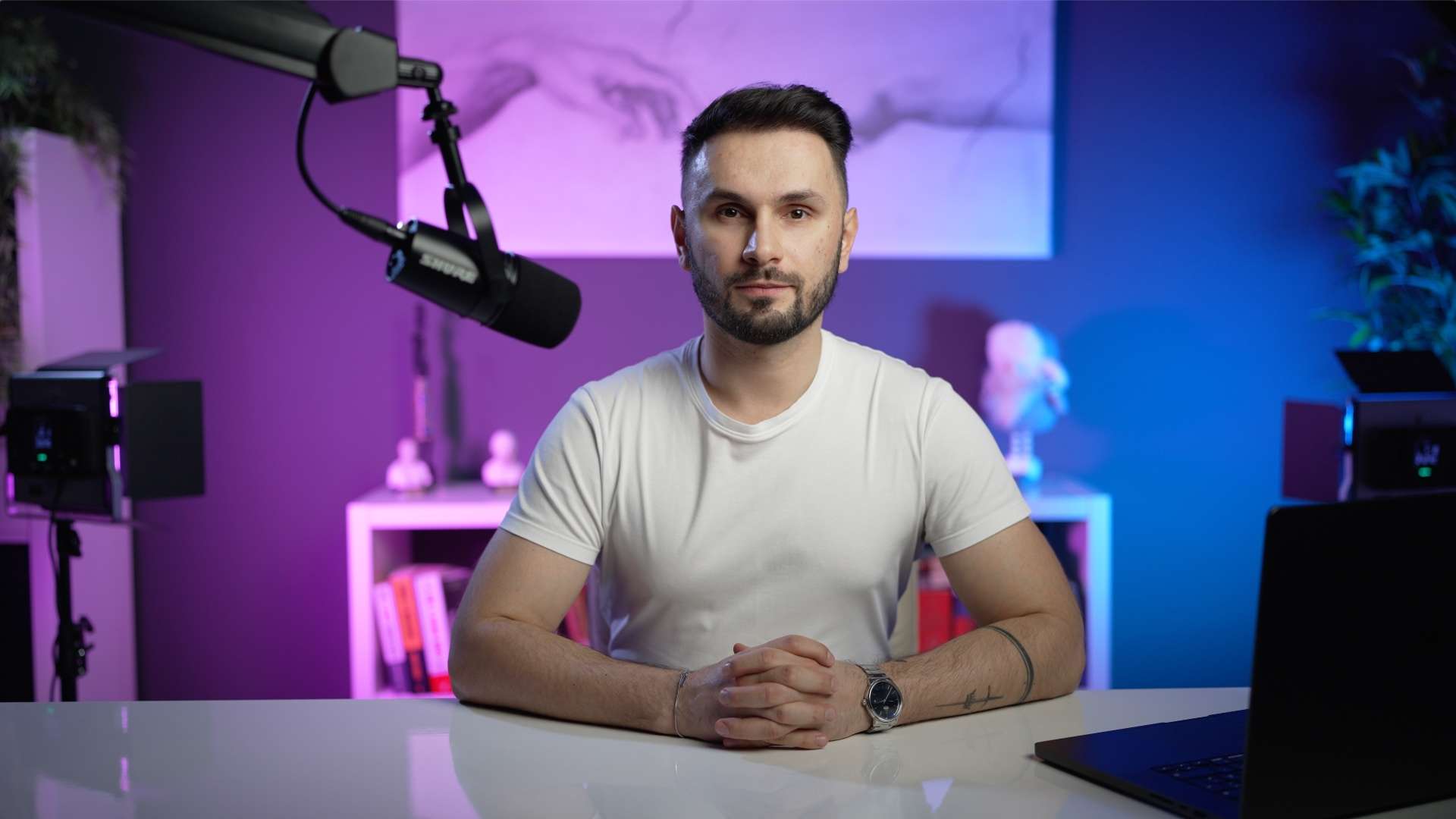
After
Tired of Looking & Sounding Like An Amateur?
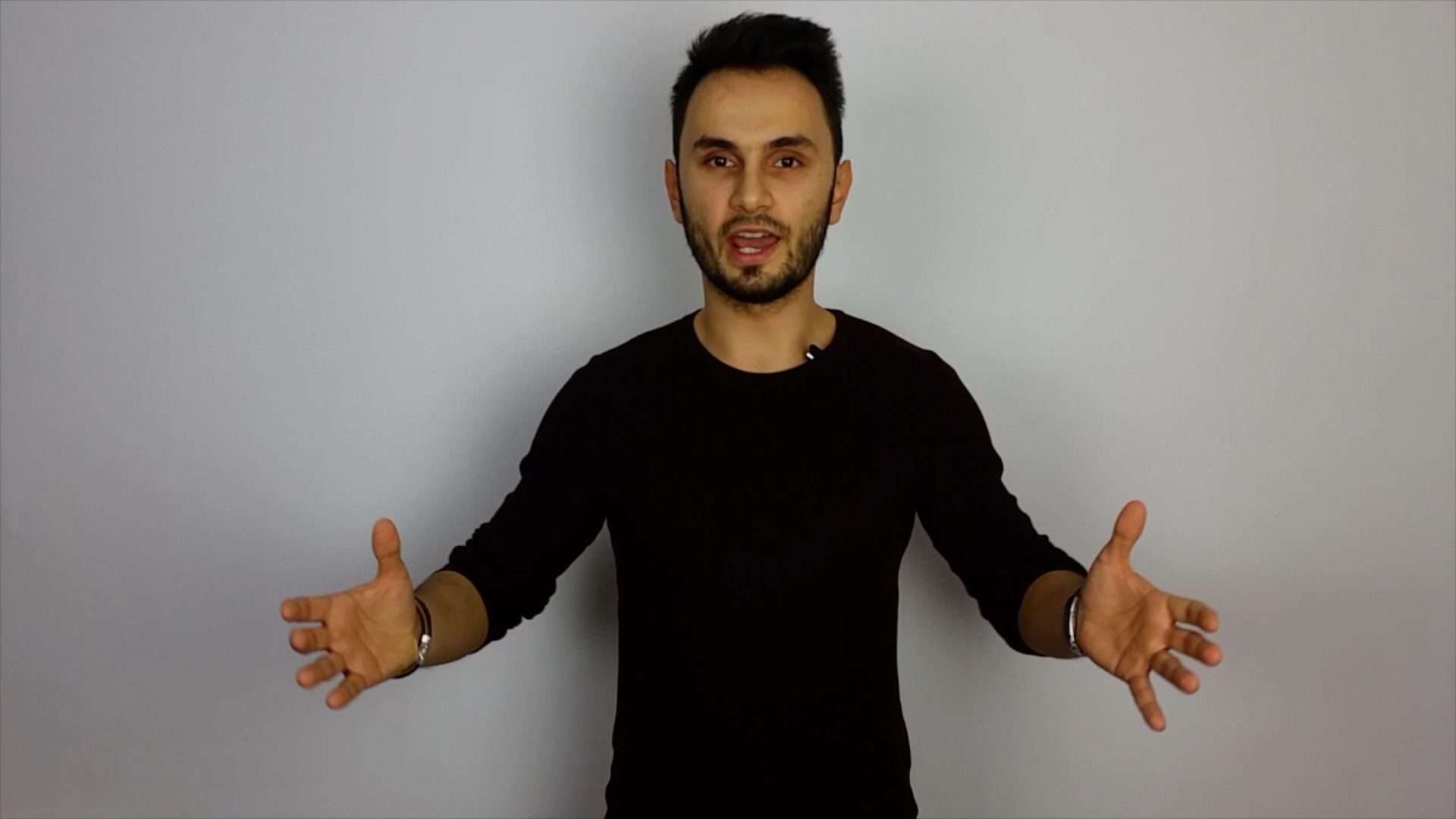
Me looking like an absolute amateur
(one of my first ever videos)
Do your videos suffer from bad lighting, echoey audio, or a cluttered background? Struggling to get the polished, high-quality look that top creators have, without spending a fortune?
You’re not alone. A great home studio isn’t about expensive gear, it’s about knowing how to use your space properly.
Home Studio Masterclass is a simple, step-by-step system designed for online content creators, that teaches you how to transform any space into a professional-quality studio, no matter your budget or experience level.
If you’ve ever held yourself back from making videos because your setup doesn’t look or sound professional, this course will change everything.
Who Is This For?

Content Creators & YouTubers
YouTube, TikTok or Instagram? A professional home studio makes your videos stand out on the feed, keeping viewers engaged longer.
Podcasters & Livestreamers
Whether you’re podcasting or streaming, your setup affects how people perceive your brand.

Coaches, Consultants & Course Creators
Selling online? Teaching? Your video quality impacts how much people trust & buy from you. Make sure your home studio reflects your expertise.
Remote Professionals & Virtual Presenters
Hosting Zoom calls, webinars, or online meetings? Look professional and polished, without struggling with bad lighting & audio.
What’s Inside the Course?
I’ve made this as simple & actionable as possible. No useless filmmaking fluff, no complicated interior design nonsense. Just a proven & practical step-by-step process.
MODULE 1:
Introduction
Before we dive in, let’s lay the foundation for your transformation. In this module, you’ll discover what makes a great home studio, why it matters, and how it sets you apart from the competition.
Welcome (What to Expect and How to Get the Most Out of This Course)
The Simple Formula Behind Every Great Studio (Use This and You’ll Never Wonder If Your Setup Looks Good Again)
The Hidden Psychology of a Pro-Looking Studio (And How the Halo Effect Makes People See You as an Expert)
MODULE 2:
Mindset
A great studio is never built in a single day, it’s a creative process that evolves over time. In this module, you’ll shift your mindset so you can avoid perfectionism, embrace progress, and focus on what really matters.
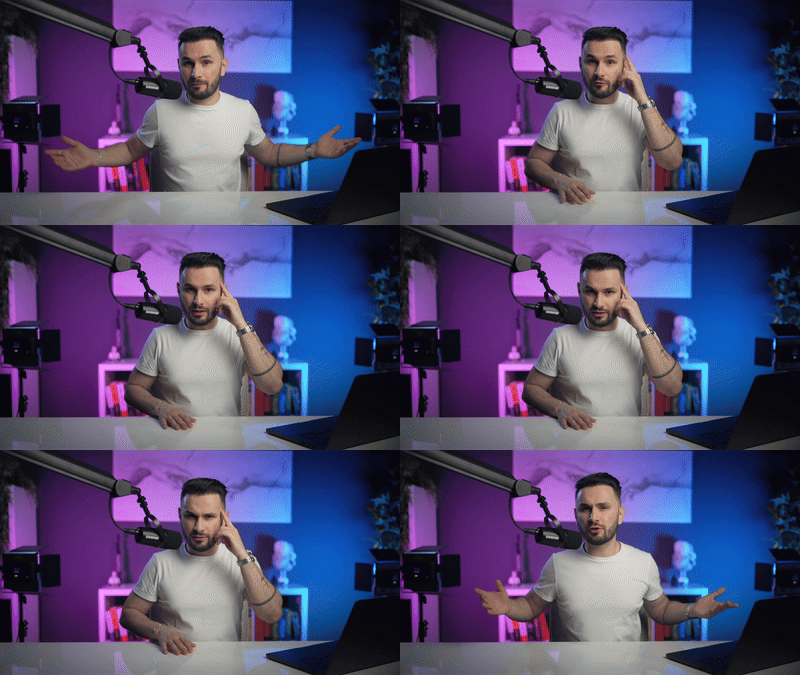
The Creative Process (Why Your First Studio Will Never Be Perfect; And That’s a Good Thing)
The Perfectionism Trap (And Why It’s Killing Your Content Before You Even Hit Record)
Substance Over Form (Why a Perfect Studio Won’t Save Bad Content)
MODULE 3:
Inspiration
Before you start building, you need a clear vision for your studio. Planning ahead saves time, prevents frustration, and helps you create a setup that truly fits your brand.
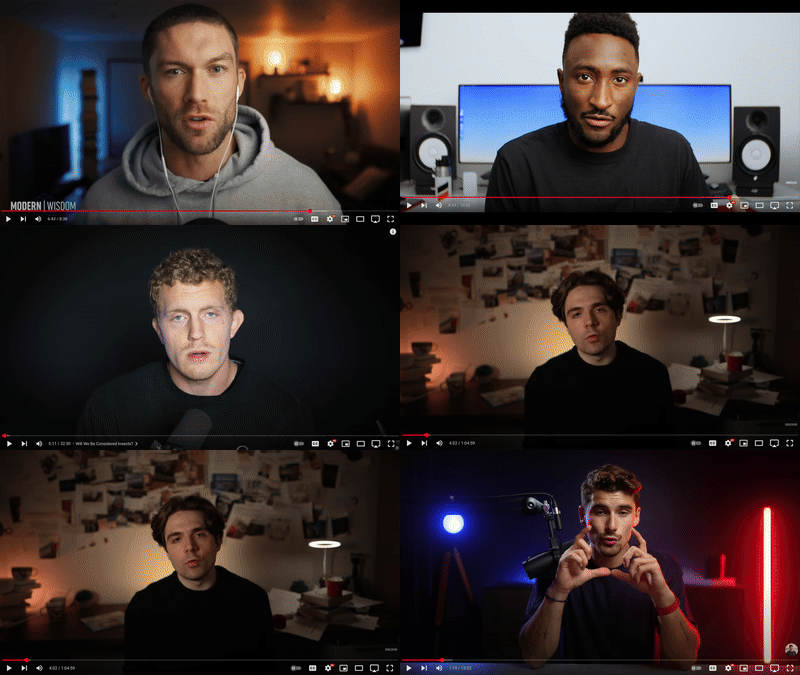
Finding Your Inspiration (How Looking at Other Creators Can Save You Hours of Trial and Error)
Case Study: My Studio Inspiration (Why I Only Needed Two Creators to Shape My Setup and Why You Don’t Need 100)
Defining Your Vision (How to Make Your Studio Reflect Your Brand and Stand Out Instantly)
MODULE 4:
Space
Your space impacts lighting, audio, and video quality. Learn how to pick the right space, design an effective layout, and create depth for a pro-level look.
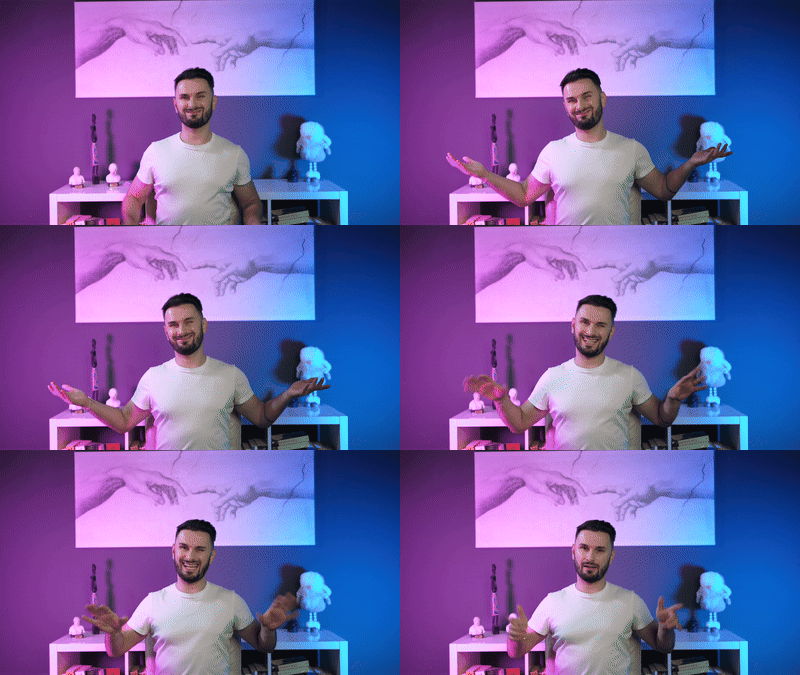
Choosing the Right Space (How to Make Any Room, Corner, or Desk Work for You)
Layout Types (The 5 Studio Setups That Work for Any Creator)
Depth (The Secret to Making Your Studio Look Cinematic)
MODULE 5:
Design
A well-designed studio keeps viewers engaged. In this module, you’ll master framing, composition, colors, and personal touches to make your setup stand out.
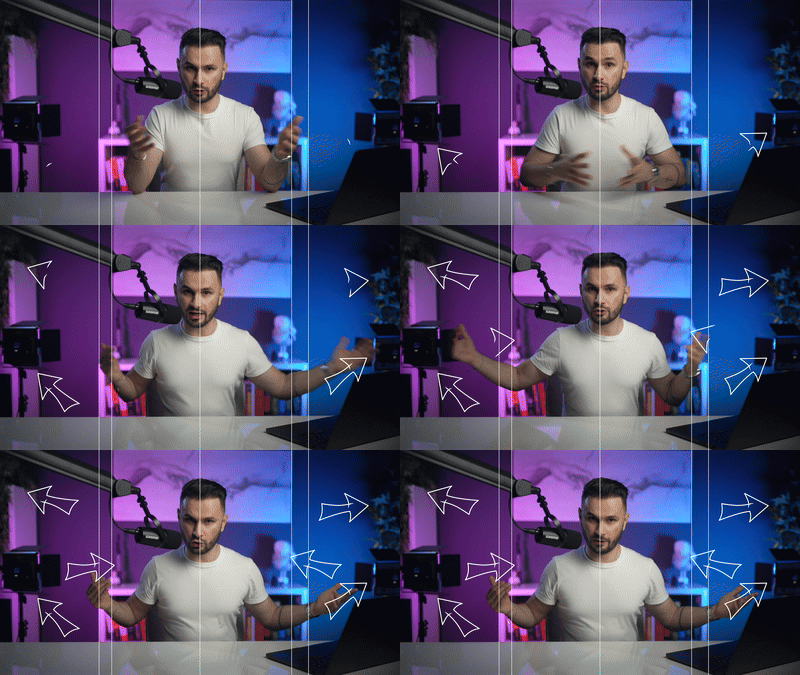
Framing the Subject (How to Instantly Make Your Videos Look More Professional)
Composition (How to Arrange Your Background for Maximum Impact)
Colors (The Psychology of Color and How It Shapes Your Brand)
Personalization (How to Make Your Studio Uniquely Yours)
MODULE 6:
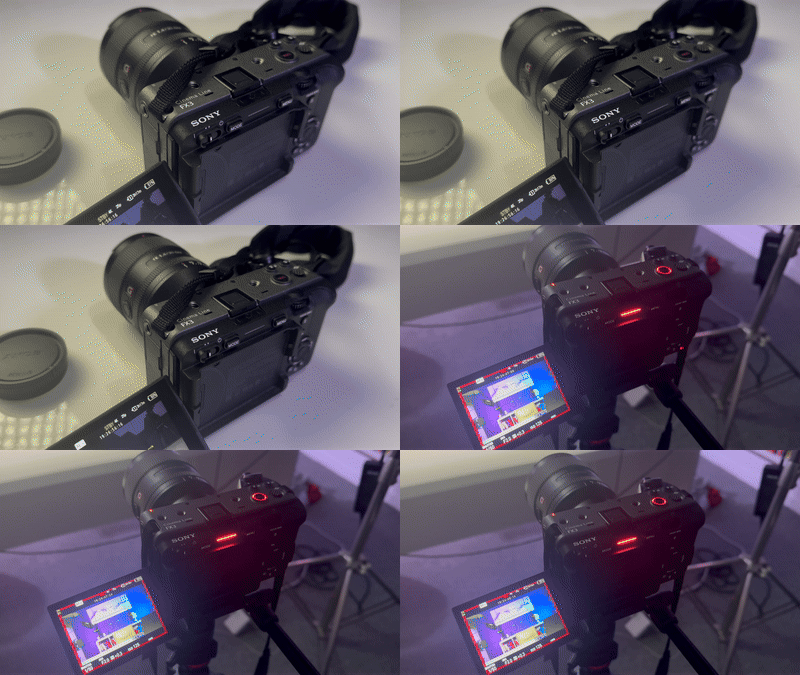
Camera
Your camera setup doesn’t need to be complicated. Learn what gear you actually need, how to set up shots, and how to get cinematic video, even with a smartphone.
Equipment (The Essentials You Actually Need, And What You Don’t)
Picking the Right Camera (Do You Even Need One? Here’s the Truth)
Camera Angles (How to Position Your Camera for Maximum Impact)
Lens Choices (The Secret to That Dreamy Blurry Background)
Camera Settings (The Only Settings You Need for Pro-Looking Video)
Powering Your Camera (Never Run Out of Battery Mid-Shoot Again)
Filming Yourself (How to Record Solo Without Struggling)
MODULE 7:
Lighting
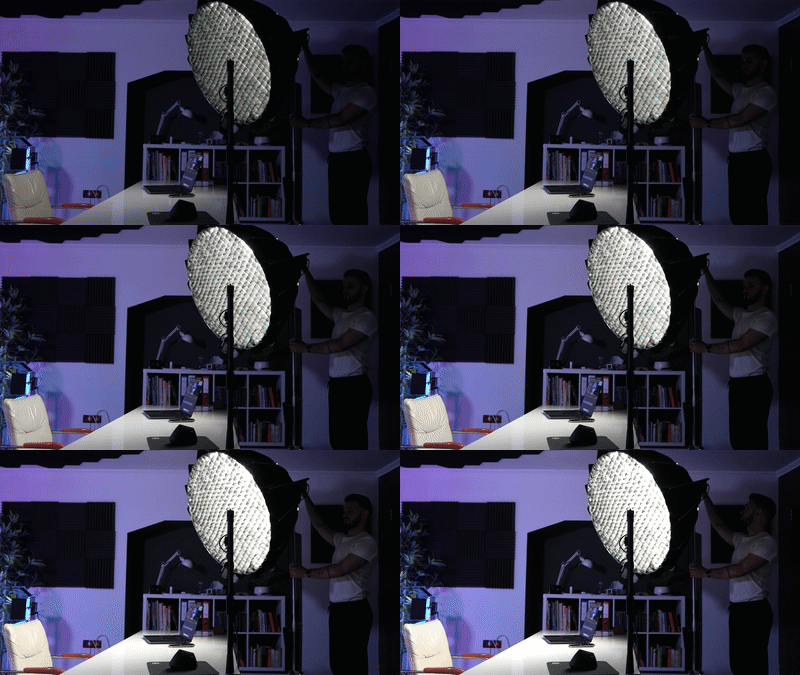
Lighting makes or breaks your video quality. Learn the right setup, how to use practical lights, and budget-friendly hacks to create a polished, professional look.
Equipment (The Essential Lights You Need for a Pro Look)
Light Setup (The Simple 2-Point Lighting System That Just Works)
Practical Lights (How to Add Personality and Depth to Your Videos)
Budget-Friendly Light Hacks (Look Pro Without Spending a Fortune)
MODULE 8:
Audio
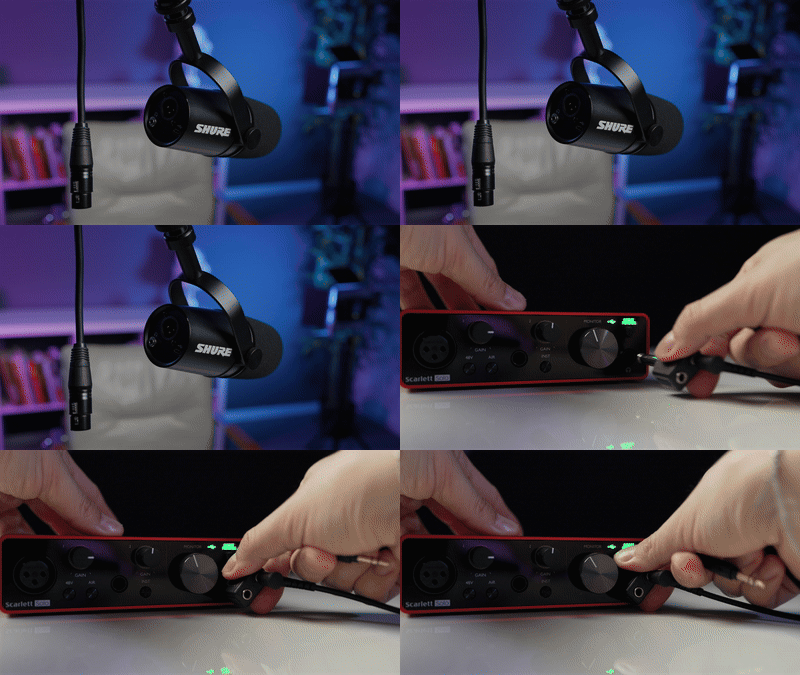
Bad audio ruins even the best-looking videos. In this module, you’ll learn how to capture crisp sound, choose the right mic, and optimize your setup for studio-quality audio.
Why Audio Matters (The Hidden Key to Professional Video)
Equipment (The Best Microphones for Every Budget & Setup)
XLR Microphones (The Gold Standard for High-End Audio)
Sound Treatment (How to Reduce Echo & Get Clean, Studio-Quality Sound)
Audio Levels (The Only Settings You Need to Avoid Distorted or Weak Audio)
Audio Post-Production (The Simple Editing Tricks That Make You Sound Studio-Quality)
What’s Included In Home Studio Masterclass
Actionable Lessons
No fluff, no theory. Just step-by-step guidance on setting up a professional home studio. Follow along, take action, and see instant improvements in your video quality.

Equipment List (For All Budgets)
Confused about what to buy? No wonder, with so many options these days. Get a clear, curated list of the best cameras, lighting, and audio gear; whether you’re on a budget or ready to invest.

BONUS: Teleprompter
If you struggle with remembering your script or want to sound polished without memorizing lines, a teleprompter can be a game-changer. Learn how to set it up, control scrolling speed, and maintain natural eye contact.
BONUS: My Studio Breakdown
Get a behind-the-scenes look at my exact setup. See what I use, why I chose it, and how each element works together to create a high-quality, professional looking studio.
BONUS: Budget-Friendly Studio Breakdown
Learn how to turn everyday household lights into professional-looking setups. No expensive gear required, just smart positioning, DIY diffusion, and creative tricks to get cinematic lighting on any budget.
And exclusive bonuses
BONUS 1:
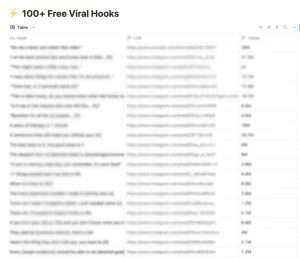
100 Proven Viral Hooks
A curated list of short-form viral hooks with an average of 8M views each that you can just copy/paste.
BONUS 2:
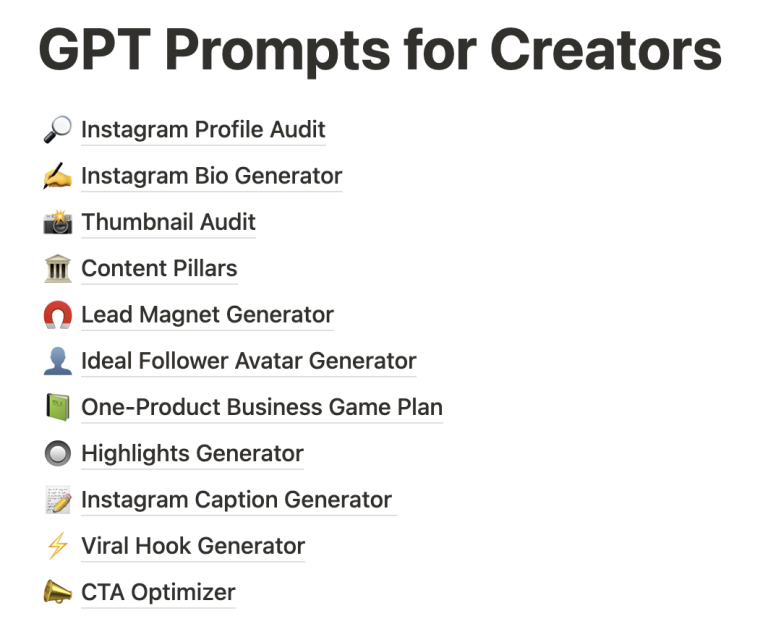
GPT Prompts for Creators
Leverage AI like a pro with custom-engineered prompts that will save you hours every week.

BONUS 3:
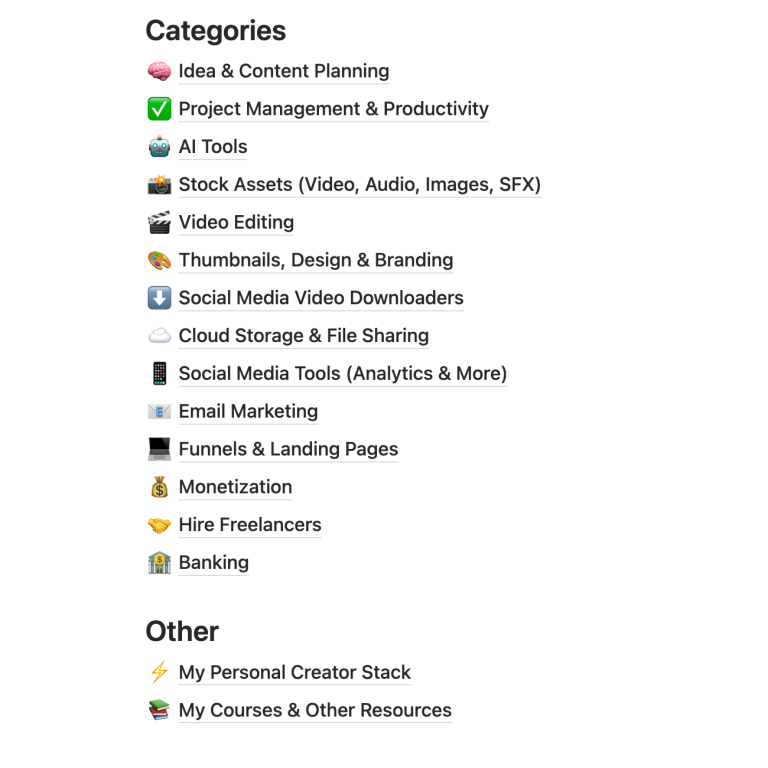
The Creator Toolbox
A curated list of tools, apps, and resources I personally use to run my creator business. Neatly organized.
BONUS 4:
Creator Insights from Instagram’s CEO
I analyzed 10+ hours of interviews with Instagram’s CEO, Adam Mosseri, and curated the most valuable insights on how the algorithm works, what content performs best, and how to actually grow in 2025.
Disclaimer: This bonus is not affiliated with or approved by Meta or Instagram. It’s a curated resource based on publicly available interviews with Adam Mosseri on YouTube.

Meet your instructor

Hey, I’m Eduard Stinga, and I know how frustrating it is when your video setup holds you back.
Bad lighting, messy backgrounds, and confusing gear stop too many creators from making content that looks professional.
Every tutorial I found was made for filmmakers, packed with jargon and expensive gear no one actually needs.
So I figured it out the hard way. And now, you don’t have to. I built my dream home studio, removed all the fluff, and created a simple, plug-and-play system anyone can follow.
So you can sit down, hit record, and create effortlessly.
From Amateur Setups To A Pro Setup
Here’s my progression over the years
1st Setup
(absolutely no idea what I was doing!)
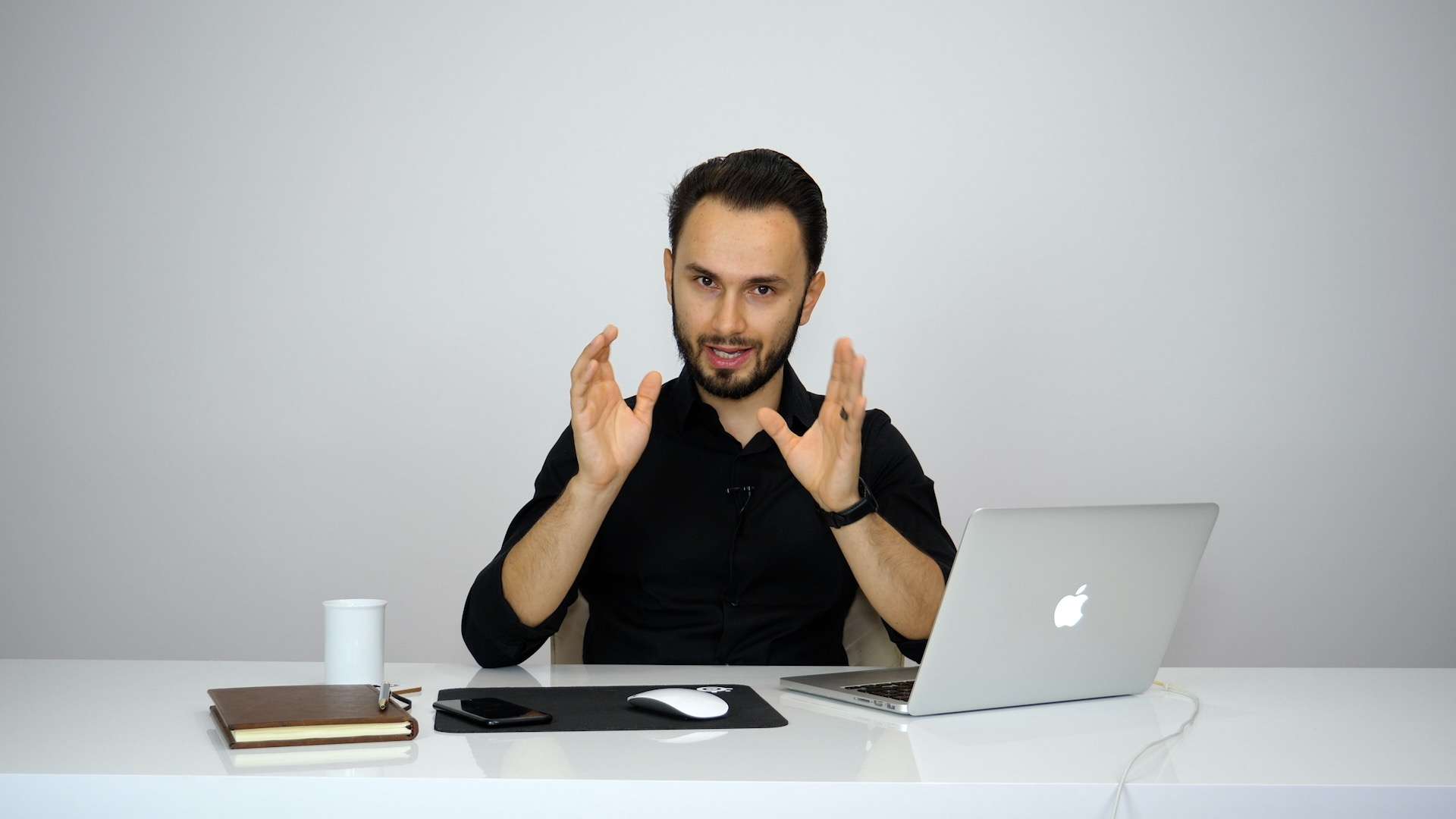
2nd Setup
(a bit cleaner, but still boring)
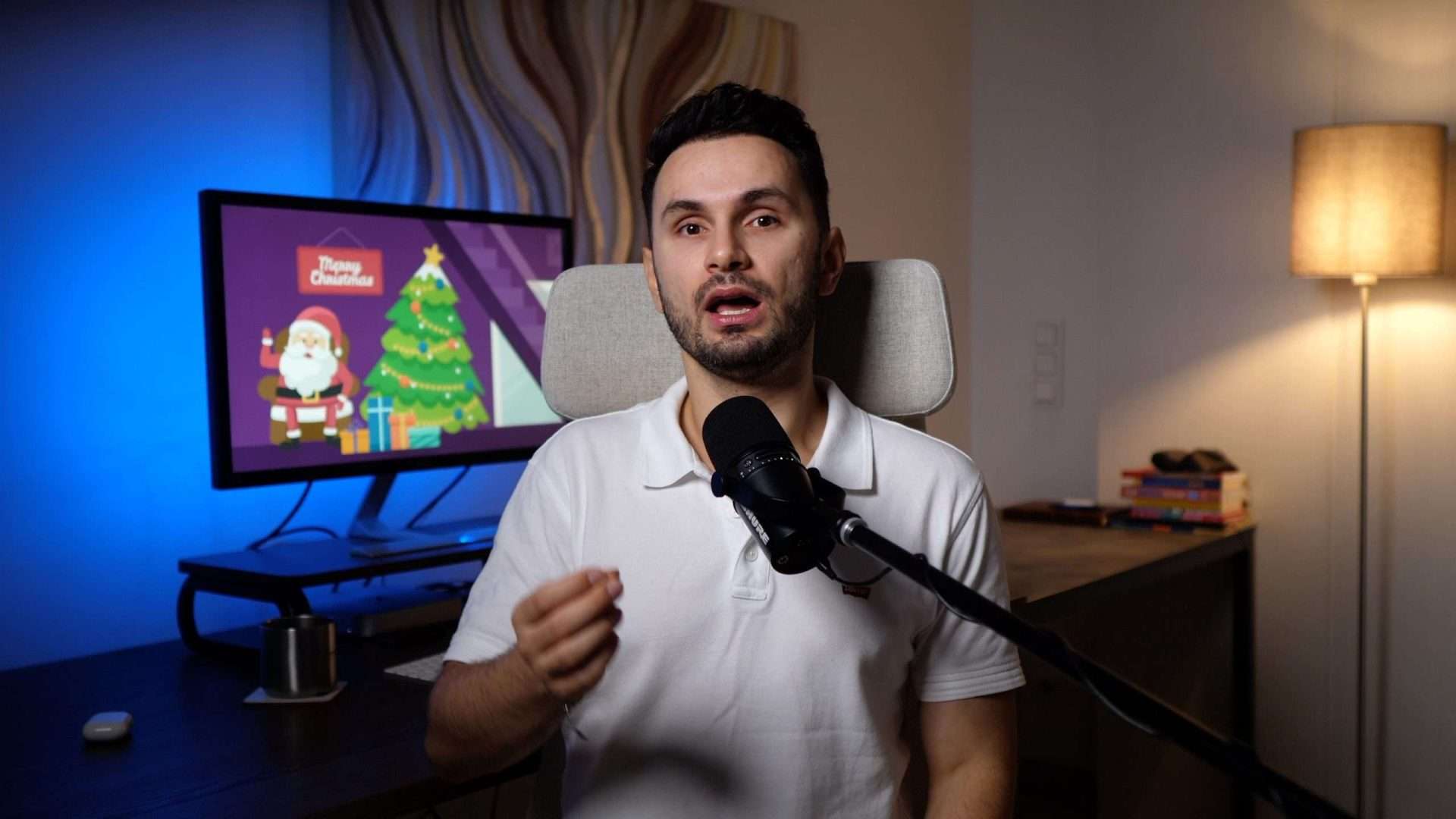
3rd Setup
(new location; started introducing good lighting)
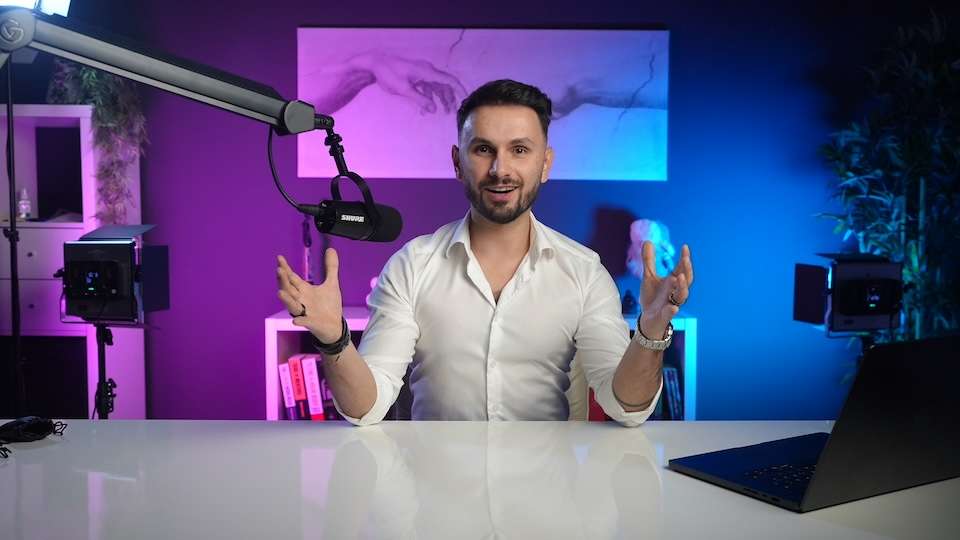
Current Setup
(dedicated pro-level setup)
I went from struggling with messy, awkward setups to having a pro-looking studio that makes filming effortless.
Now, you can skip years of trial and error and follow my exact step-by-step process.
What Creators With A 1M+ Audience Think About Having A Pro Level Setup
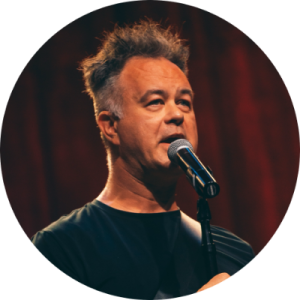
“Having a dedicated studio at home makes it so much easier to create content. I just press record and focus 100% on my comedy.”
Brad Gosse – 1.4M on TikTok
“I attribute a lot of my social media success to the quality of my studio. There are other components to the strategy, but having a pro-level setup is the minimum entry level to stand out on social media feeds these days.”
Anti.Prophet – 1.6M on YouTube
Is this course right for you?
This course is NOT for you if:
You dream of being a Hollywood filmmaker, a DOP, or a camera gear junkie.
You love debating frame rates, testing 17 lenses, and geeking out over sensor sizes.
You think a $5,000 camera is the secret to good content (spoiler: it’s not).
You want a cinematography deep dive instead of a fast, practical system for content creators.
You’d rather analyze pixels than actually press record.
This course is 100% for you if:
You want a plug-and-play system to build a pro-looking home studio, without wasting months researching gear.
You’re a content creator, coach, or entrepreneur who just wants to look professional and hit record.
You need a simple setup that works every time, so you can focus on making content, not fixing tech issues.
You don’t want to waste money on overpriced equipment you don’t actually need.
You want a studio that’s easy to set up and even easier to use.
This course is about simple & practical results, not overcomplicating filmmaking theory. If you want a pro studio, minus the tech headaches, this is for you.
Get Instant Access
Limited-Time Discount
Creators who look like pros get taken seriously. Let’s make that happen
Home Studio Masterclass
$99
One-time payment
Instant Access: Start upgrading your setup today
100% Risk-Free: 30-day money back guarantee
Lifetime Access: Go at your own pace
BONUS: My Studio Breakdown – Behind-the-scenes look at my pro setup

100% No-Risk, Money-Back Guarantee

We’re so confident that Home Studio Masterclass will transform your video setup that we’re offering a 30-day money-back guarantee.
Try the course, follow the step-by-step lessons, and if your setup doesn’t look dramatically better, or you’re not completely satisfied, just send us an email, and we’ll refund you 100%, no questions asked.
You have nothing to lose, except bad lighting, poor audio, and an amateur-looking setup. Enroll now, risk-free!
Got Questions? Here’s What Other Creators Asked Before Enrolling
What if I don’t have a big budget for a home studio?
You don’t need expensive gear to have a professional-looking setup. This course teaches you budget-friendly hacks, smart gear recommendations, and techniques that cost little (or nothing). In fact, many students see huge improvements using just what they already own.
Do I need a dedicated studio space?
Nope! This course is designed to work for any space, small bedrooms, apartments, rented spaces, or even a single corner in your home. We’ll show you renter-friendly setups, space-saving hacks, and pro tricks to make any area look amazing on camera.
I’m not tech-savvy… will I actually be able to do this?
Absolutely. This course is designed for non-techies. We break everything down into simple, step-by-step lessons with no confusing jargon, just clear, actionable instructions. If you can follow a checklist, you can set up a studio that looks professional.
Why should I buy this instead of watching free YouTube videos?
You could spend weeks piecing together free advice… or get everything streamlined in one course and set up your pro studio in days. If your time is valuable, this is a no-brainer.
I make [YouTube videos / TikToks / livestreams / podcasts / Zoom calls], will this work for me?
Yes! This course isn’t just for YouTubers, it works for anyone creating video content. Whether you’re recording courses, livestreaming, podcasting, or running online meetings, you’ll learn how to make your setup look polished and professional.
What if I don’t like the course?
If you don’t love it, just let us know within 30 days, and we’ll refund you 100%, no questions asked. We take on all the risk, so you don’t have to.
How long will it take to set up my home studio?
That depends on you and how much time you dedicate each day.
The course is ±1h30m long, so you could even finish it in a single day. And most students will realistically be able to drastically improve their setups in less than a week.
I’m not ready to buy yet, is there a free version?
Absolutely. If you’re still deciding, I offer a completely free 24-minute training where I teach you quick and easy hacks to upgrade your home studio.
Privacy Policy | Terms & Conditions | Results Disclaimer
Copyright EduardStinga.com 2025. All rights reserved. All wrongs reversed.